
Below you will find instructions on how to register and bid in our online auctions. Should you have any questions, please read our frequently asked questions or contact us.
Registering to bid
To place a bid on a lot, you will need to create an account if you are a new bidder to DaGamba. If you already have an account, log in and bid.
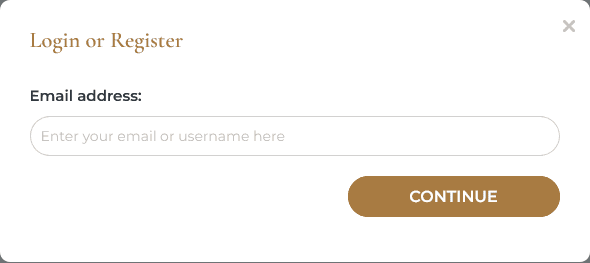
To register, you will be taken through the steps to confirm your contact details, register your card, and agree to our Terms and Conditions.
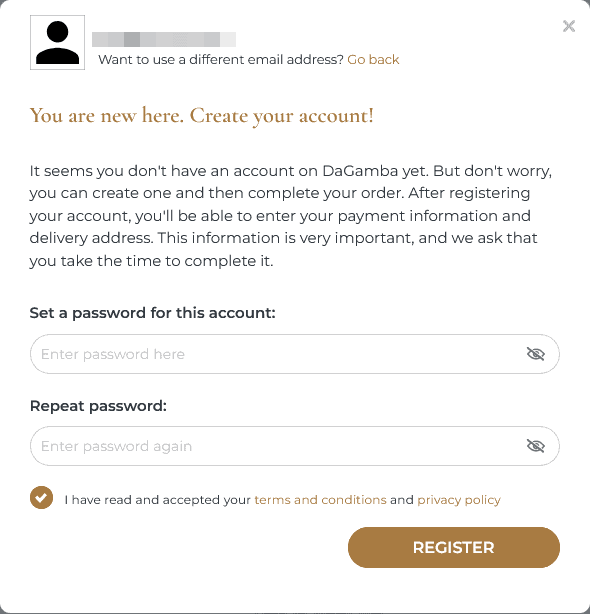
After registering an account and automatically logging in, you will see a prompt to add your credit or debit card.
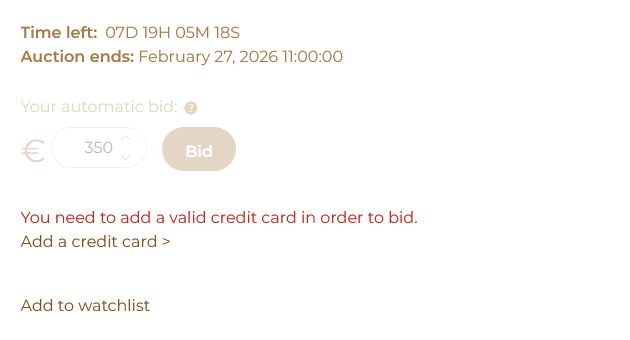
By clicking the link, you will see a form to add a payment card.
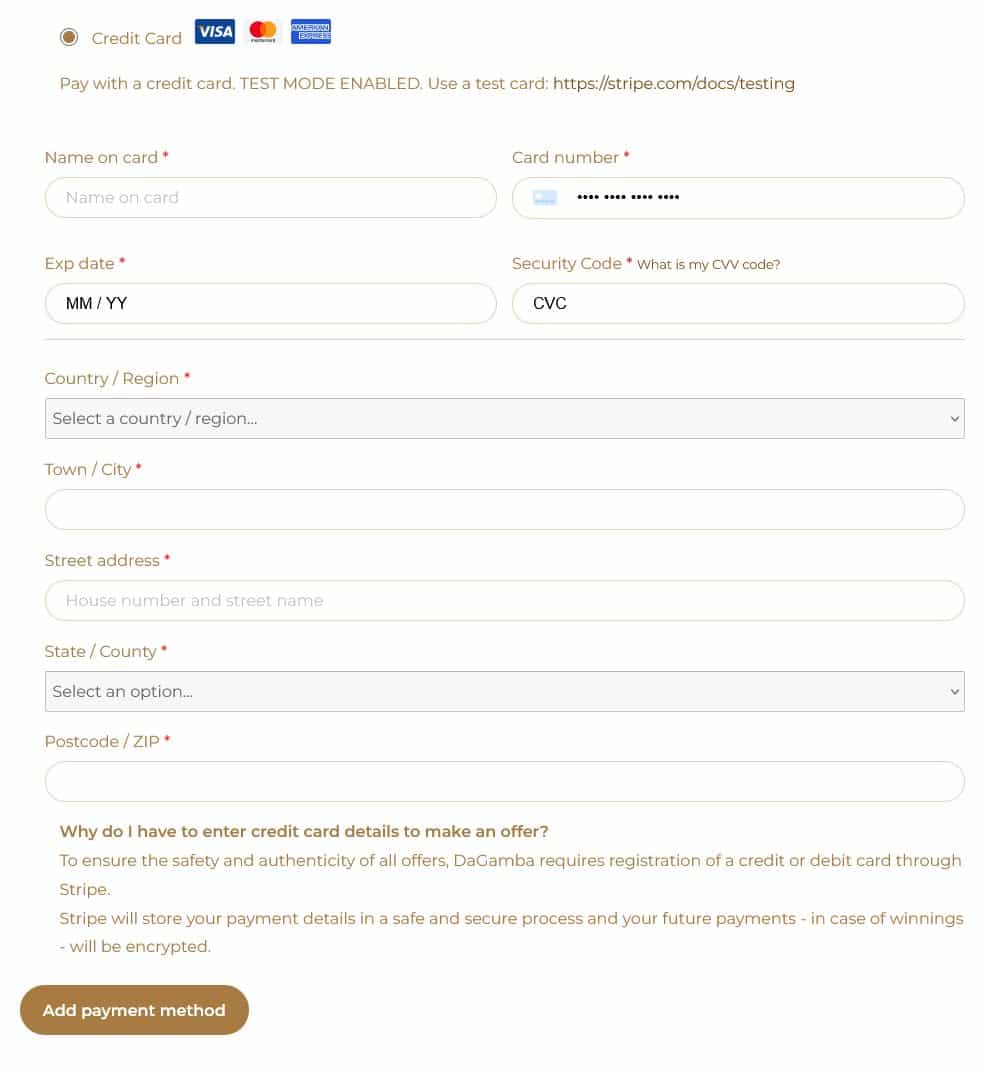
Once you’ve filled in all the required fields and your card is accepted by the payment provider, you can place your bids.
Reserve and estimate prices
Most lots have a reserve price, which is the lowest price the seller is happy to accept.
If a bid is placed but doesn’t reach this amount, you’ll see “reserve not met.” This simply means the lot won’t sell at that price.
The estimate prices are set by our experts and are meant as a helpful guide. They are often lower than the item’s true market value, giving you a good idea of where bidding might start.
When the reserve price is reached, you’ll see “reserve met.” Only lots with this message will be sold once the sale comes to an end.
Placing a Bid
If there are no bids for the lot yet, you can make your bid equal to the starting price.
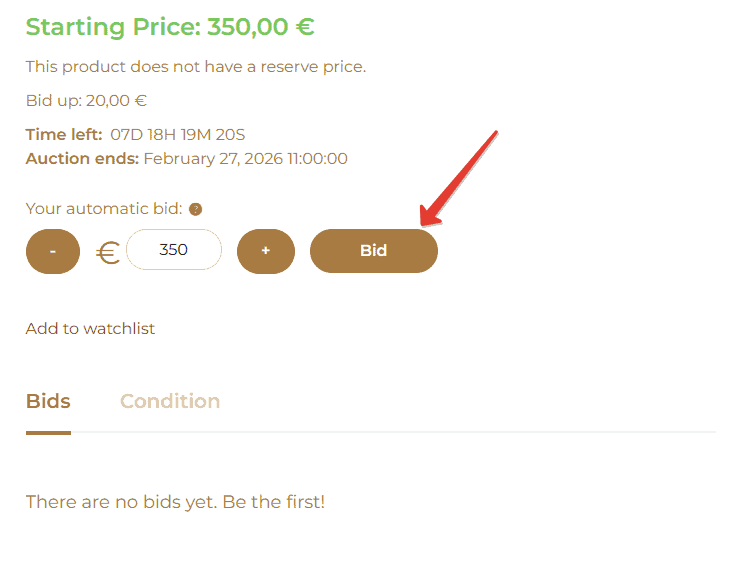
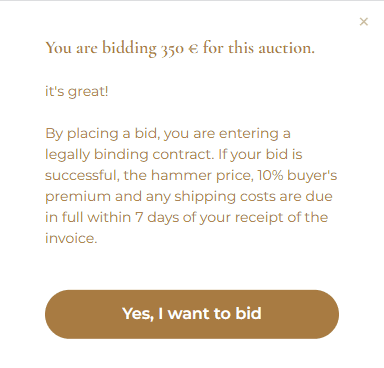
A pop-up window will appear reminding you that you agree to bid on the auction. Your bid will only be placed after you agree.
Placing a Maximum Bid
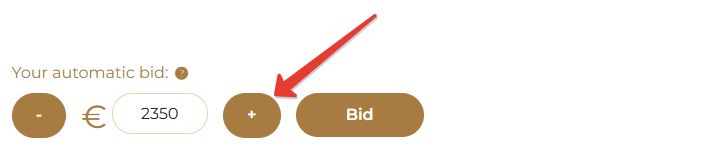
If you would like our system to bid for you up to a maximum amount, you can place an automatic bid. This is a simple process to save you having to continually place incremental bids at the asking price.
On the lot page, use the “+” button to enter the maximum amount you are happy to pay for the lot and click ‘Place Bid’
A pop-up window will appear, reminding you that you agree to place a bid in the auction. Your bid will only be placed after you agree.
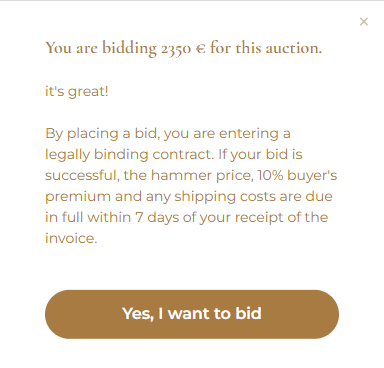
You will receive confirmation that you are the highest bidder.

From this point on, the system will track bids on the item and automatically increase your bid by a higher amount using the current bid increment. Your bid will only increase if someone else places a bid after you. The automatic bid increase is limited to the amount you specified.
You can always see the size of your current bet in the betting table in the first line.
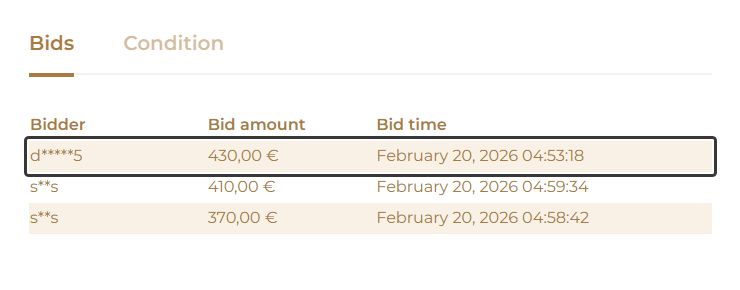
Live updates
Don’t worry about refreshing the page — bids update automatically for you.
Sequential End Times
The end times of all lots are staggered by a short period of time (one minute), giving you an opportunity to bid on multiple lots without the risk of them all ending at the same time. The ‘Time left’ to bid is stated on each lot page and is updated automatically.
End Time Extensions
If a bid is placed on a lot within the last minute of the countdown, the end time of that lot will be increased by three minutes to allow other bidders an opportunity to bid.
Bidding Increments
Up to 200 € | 10 € |
200 € - 500 € | 20 € |
500 € - 1,000 € | 50 € |
1,000 € - 2,000 € | 100 € |
2,000 € - 5,000 € | 200 € |
5,000 € - 10,000 € | 500 € |
10,000 € - 30,000 € | 1,000 € |
30,000 € - 50,000 € | 2,000 € |
50,000 € - 100,000 € | 5,000 € |
VAT & Buyer’s Premium
The Buyer’s Premium is 10% of the hammer price and is subject to German VAT currently at 19%.
Pay & Receive Your Instrument
Once the countdown has come to an end, you will be notified onscreen and via email if your bid has been successful. After the sale has finished, your invoice will be sent by email. Full payment is required within seven days of the auction date. Payment may be made by the following: direct bank transfer in euros, debit and credit card, and cash up to € 10,000. For cash payments of € 3,000 or more, we’ll need to see a valid ID in line with German anti-money-laundering regulations.
Shipping
DaGamba will be happy to arrange professional packing and shipping as soon as you pay.